Higher telecalling productivity
Use live calling data, not guesswork, to see where each caller can do more.
Flowzo CallSync turns every SIM call into a CRM record. See who called whom, for how long and what happened next, from one dashboard.
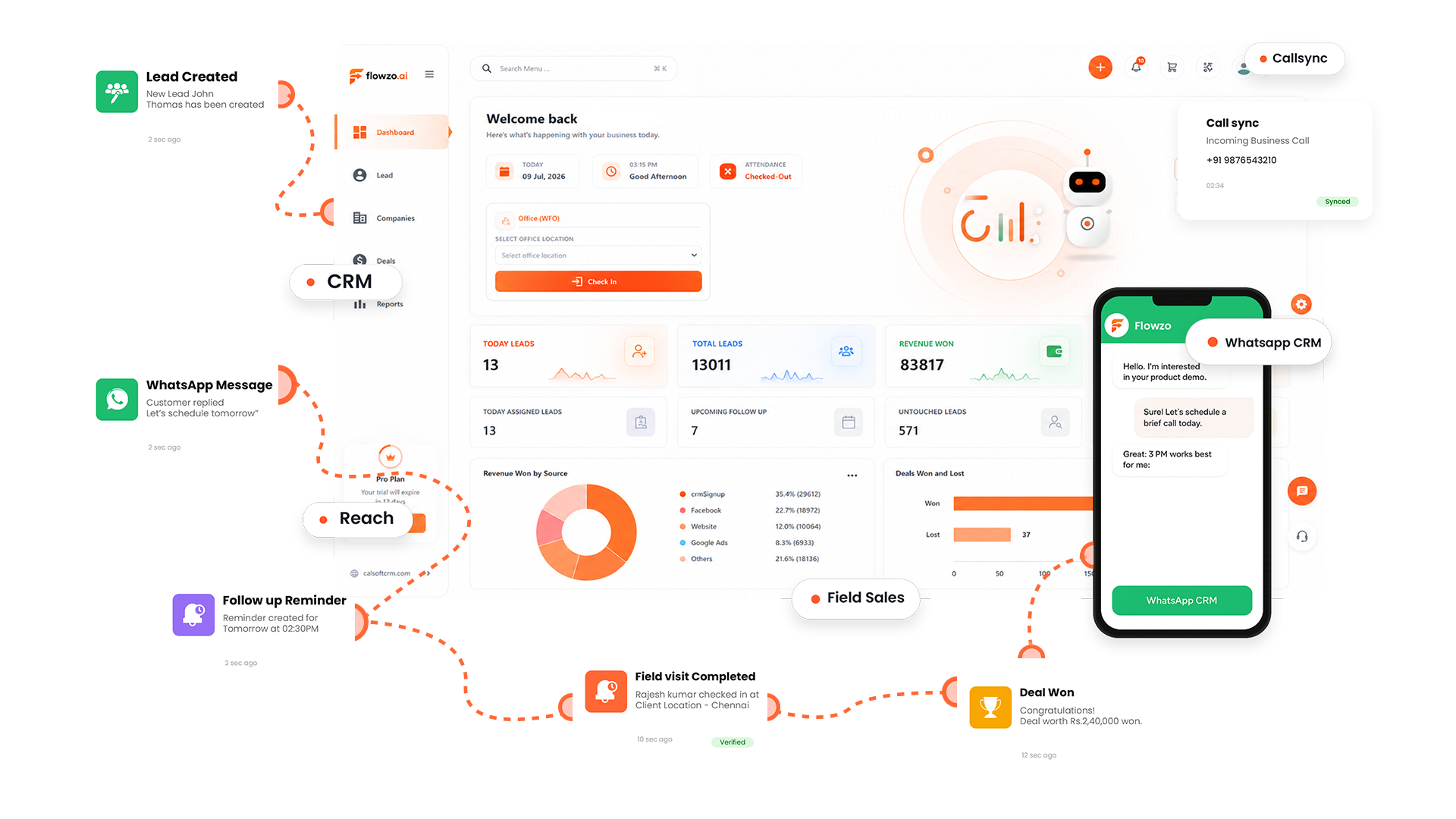
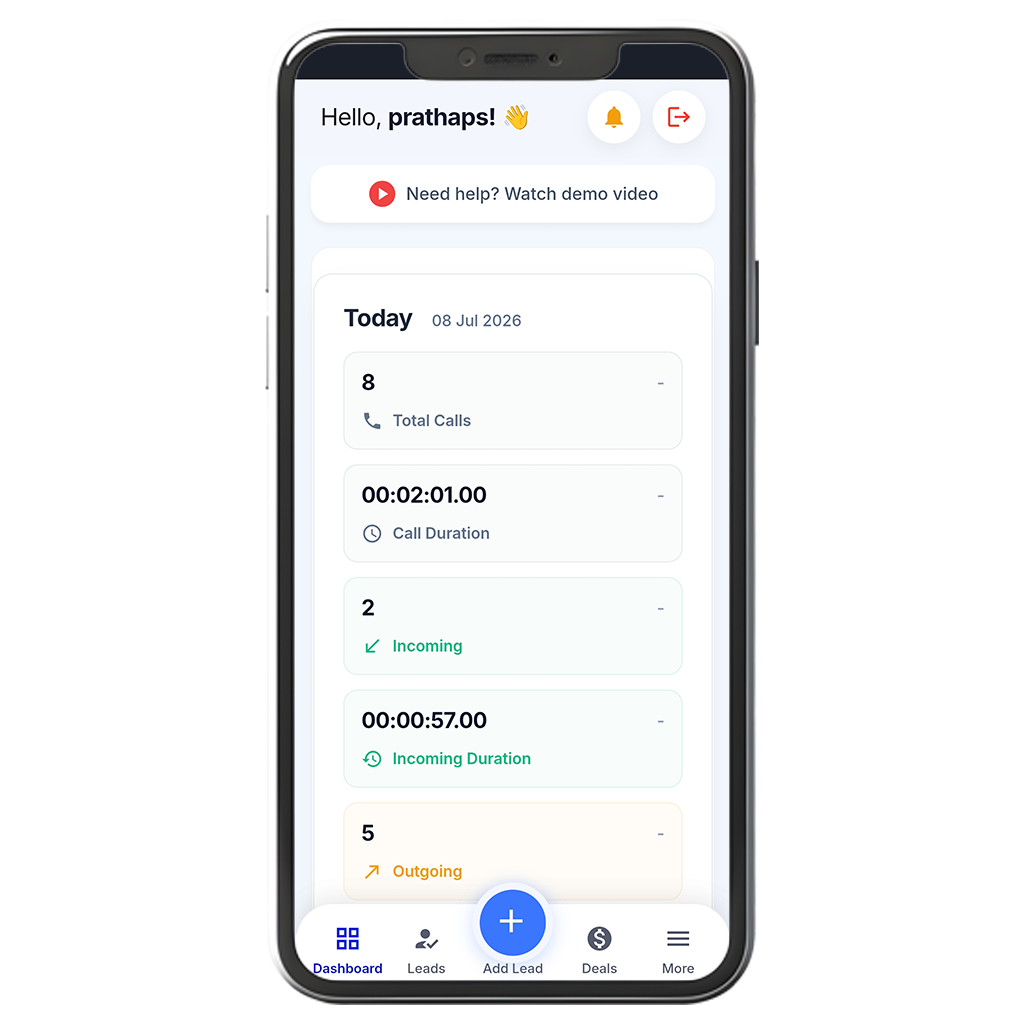
CallSync tracks inbound and outbound SIM calls and writes them to the lead timeline, so sales, marketing and support calling becomes measurable and repeatable.
Track incoming, outgoing, missed and connected calls for every team member in real time, from one dashboard.
Learn more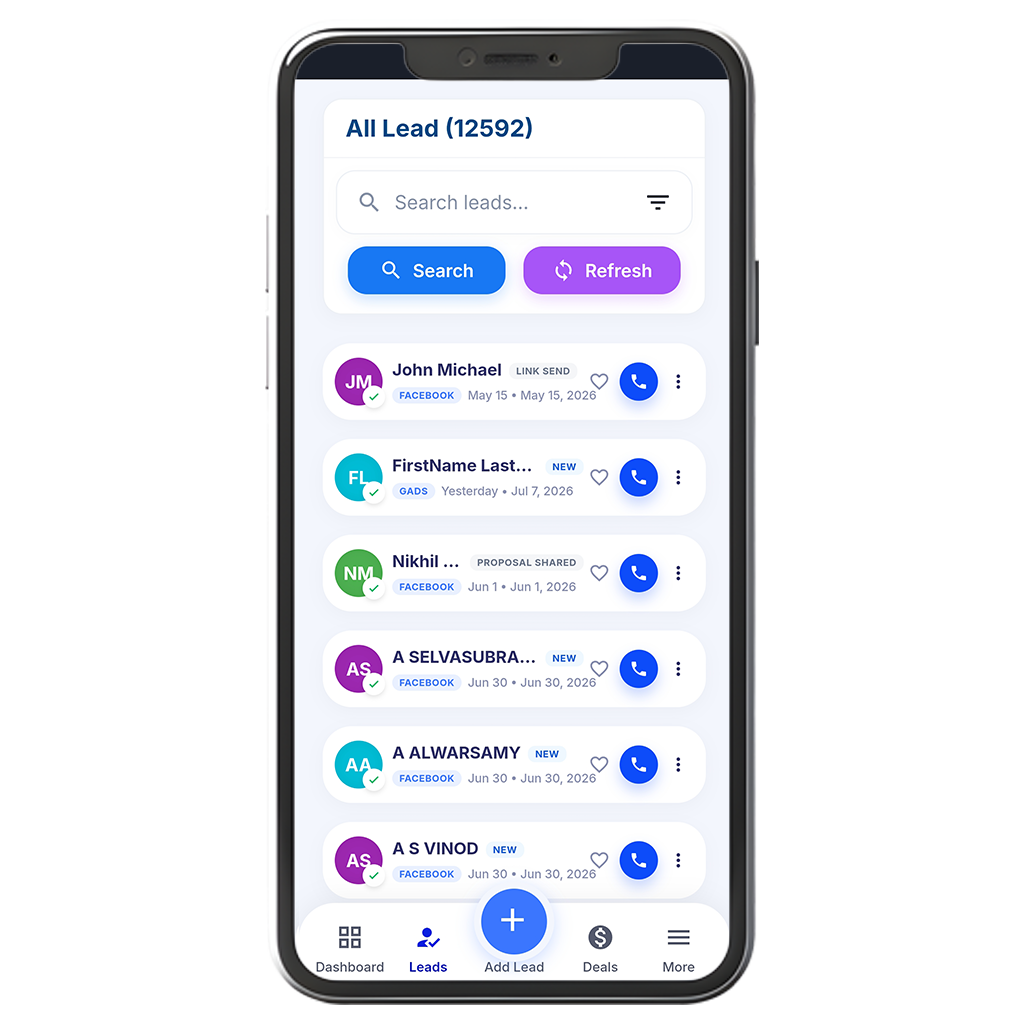
Every call lands on the right lead automatically. Reps add status and notes, and managers see who is untouched.
Learn more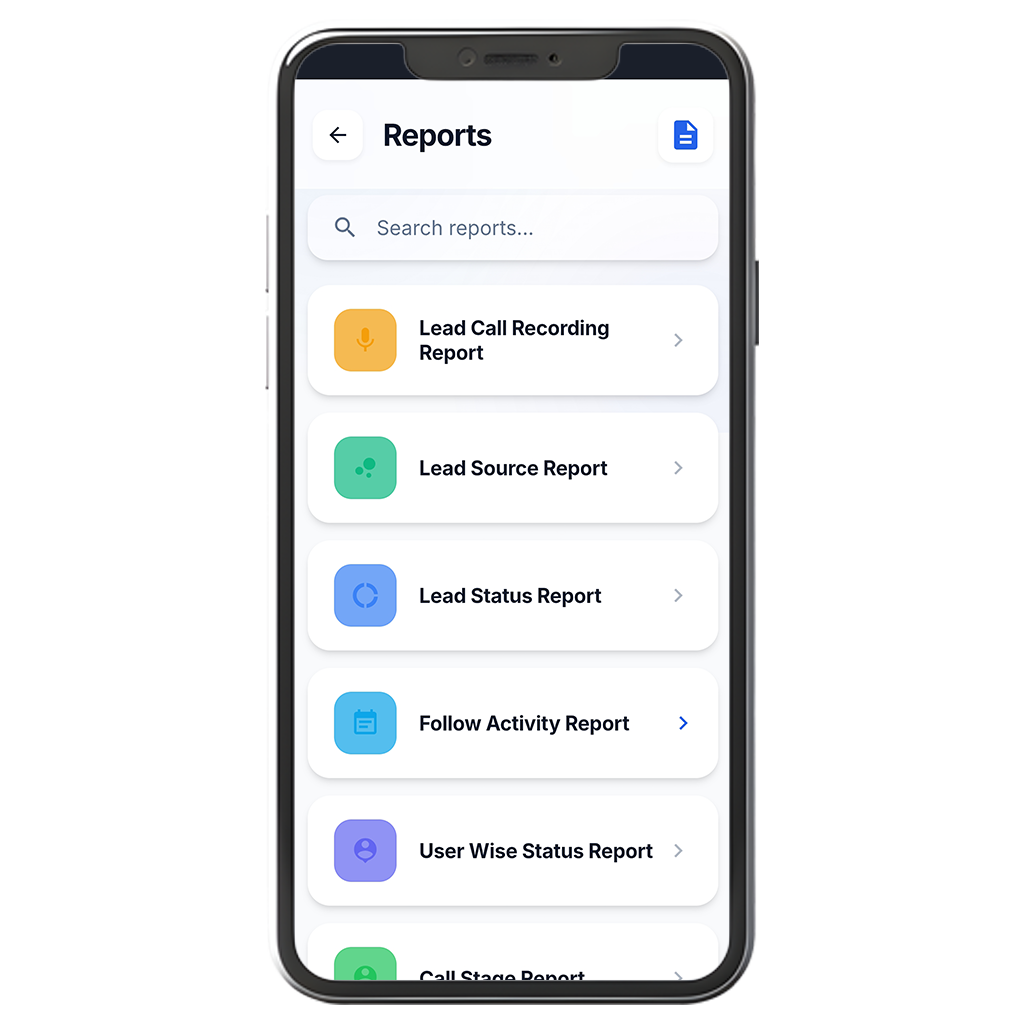
Daily and periodic call reports by rep, with recordings and call data pushed to your tools through API and webhooks.
Learn moreTeams that log every call in one place spend less time chasing updates and more time on the next conversation.
Use live calling data, not guesswork, to see where each caller can do more.
See attempted, missed, rejected and disconnected calls every day and close the gaps.
Live analytics for every team member, so nobody builds a report by hand.
Contact updates, lead handling and reporting run on their own through the Flowzo CRM.
Install CallSync on your team's Android phones and every call syncs to one cloud dashboard. Managers get team-wide call logs and the numbers to review performance, with no manual reporting.
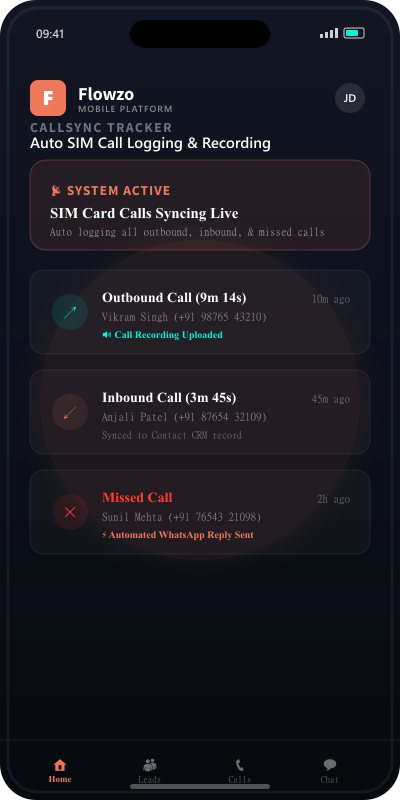
From live dashboards to recordings and lead reports, CallSync gives managers the full picture without chasing reps for updates.
Track telecalling team performance on a single dashboard.
Add your telecalling team, set permissions and exclude personal numbers from reports.
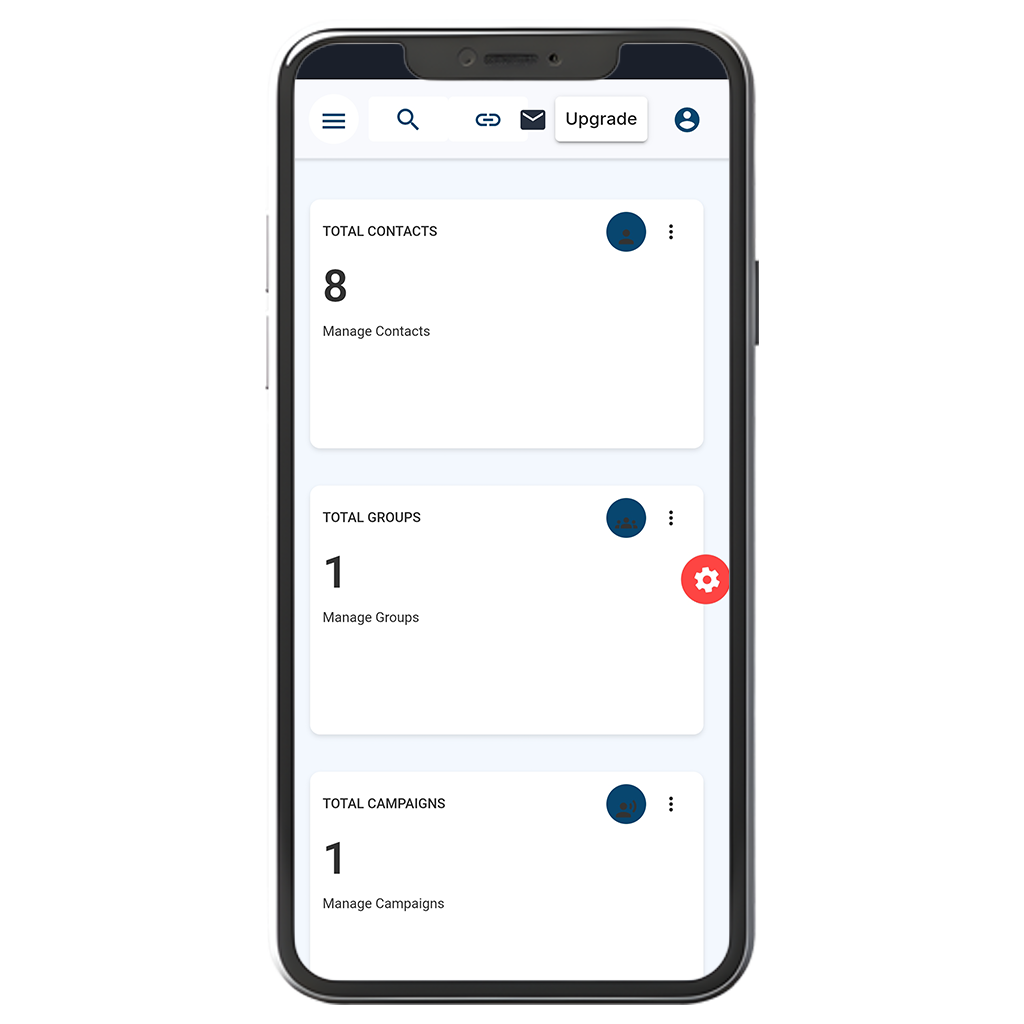
Extract detailed calling reports by employee for incoming, outgoing, missed and rejected calls.
Find the best time to call, engagement windows and average calling duration of the team.
Open detailed calling history, recordings and call notes for every team and lead.
Monitor, listen to and retrieve incoming and outgoing call recordings in real time.
Get an automatic team calling report in your inbox every day.
Manage leads together with their calling data in one place.
See how many leads were contacted, the last contacted date, and which leads never connected.
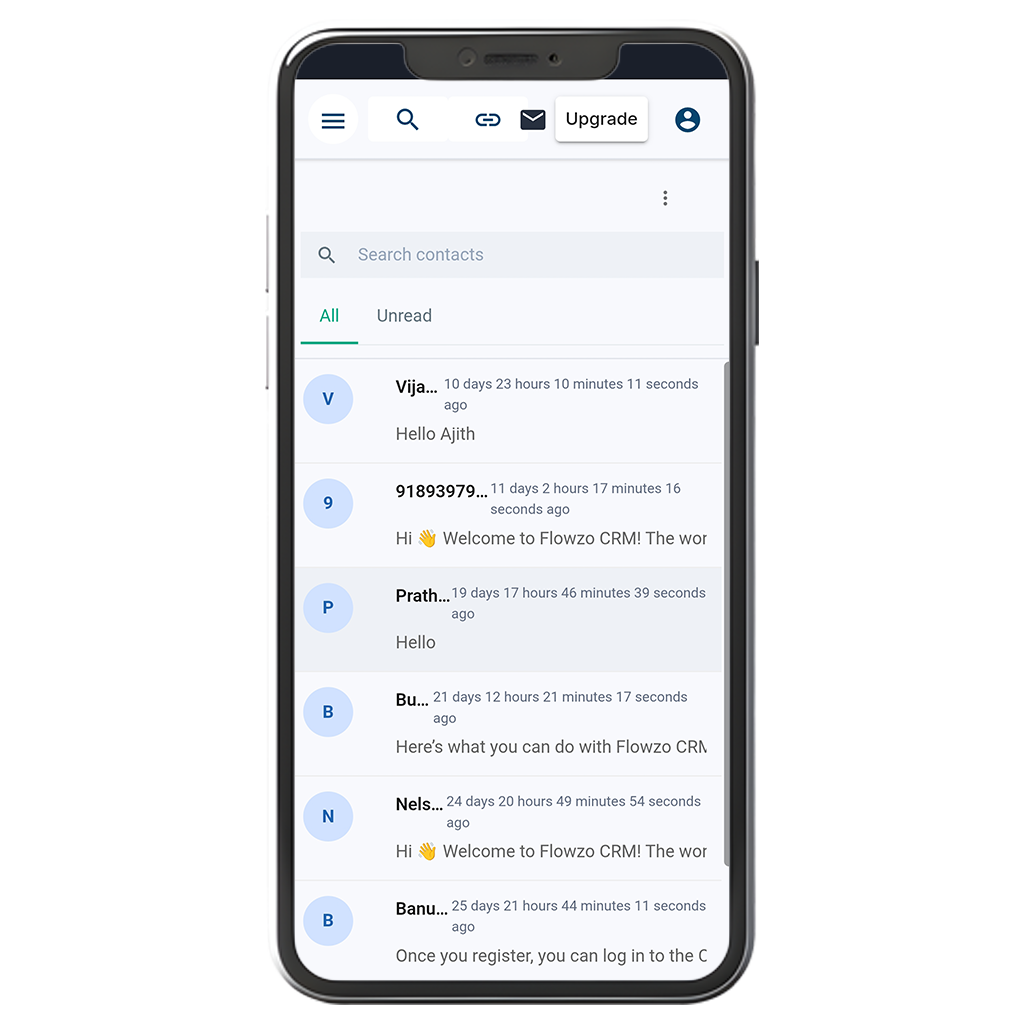
Go from install to synced calls in about 10 minutes.
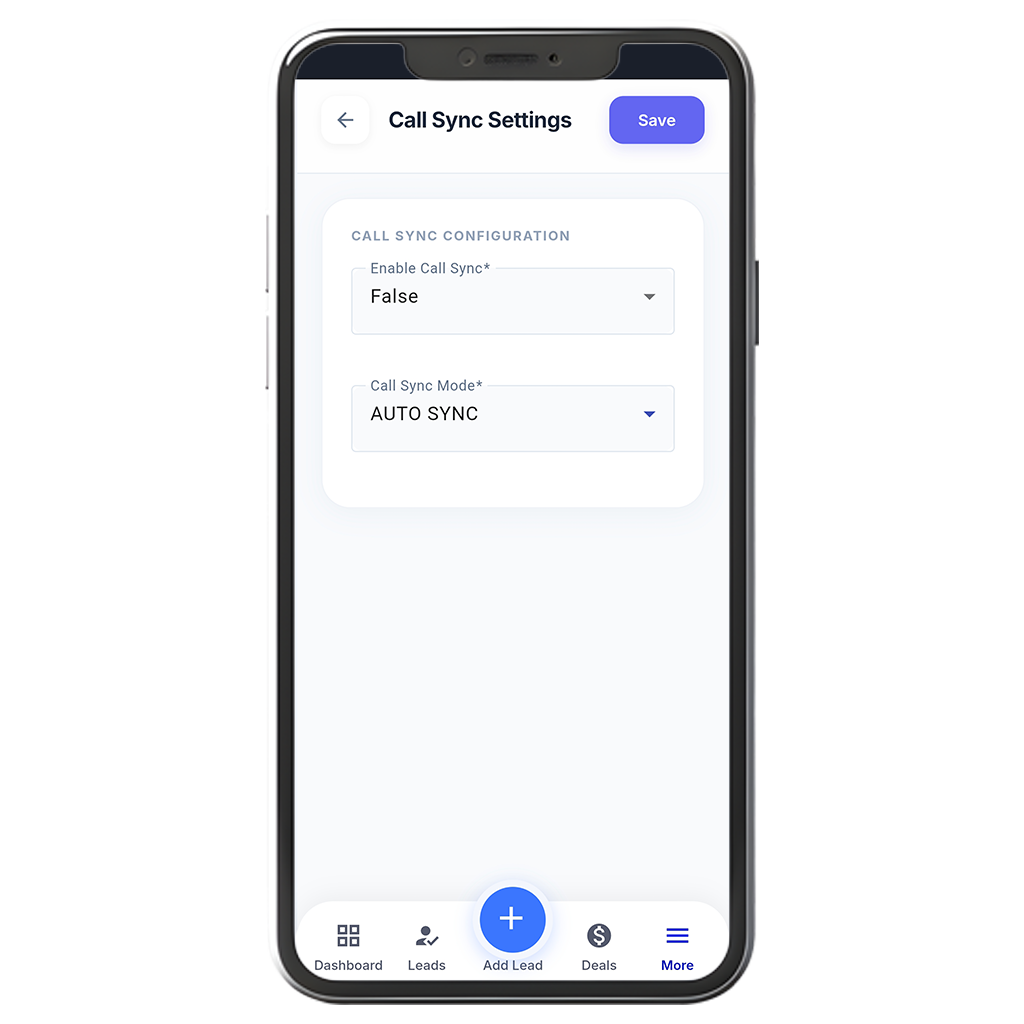
Install the Flowzo CallSync app from Google Play on employee smartphones.
All calling data syncs automatically in real time.
Open the real-time calling dashboard and daily email reports to track productivity.
No. Flowzo CallSync uses your device's regular SIM-based calling, the same way you normally make calls.